1126 comments found.

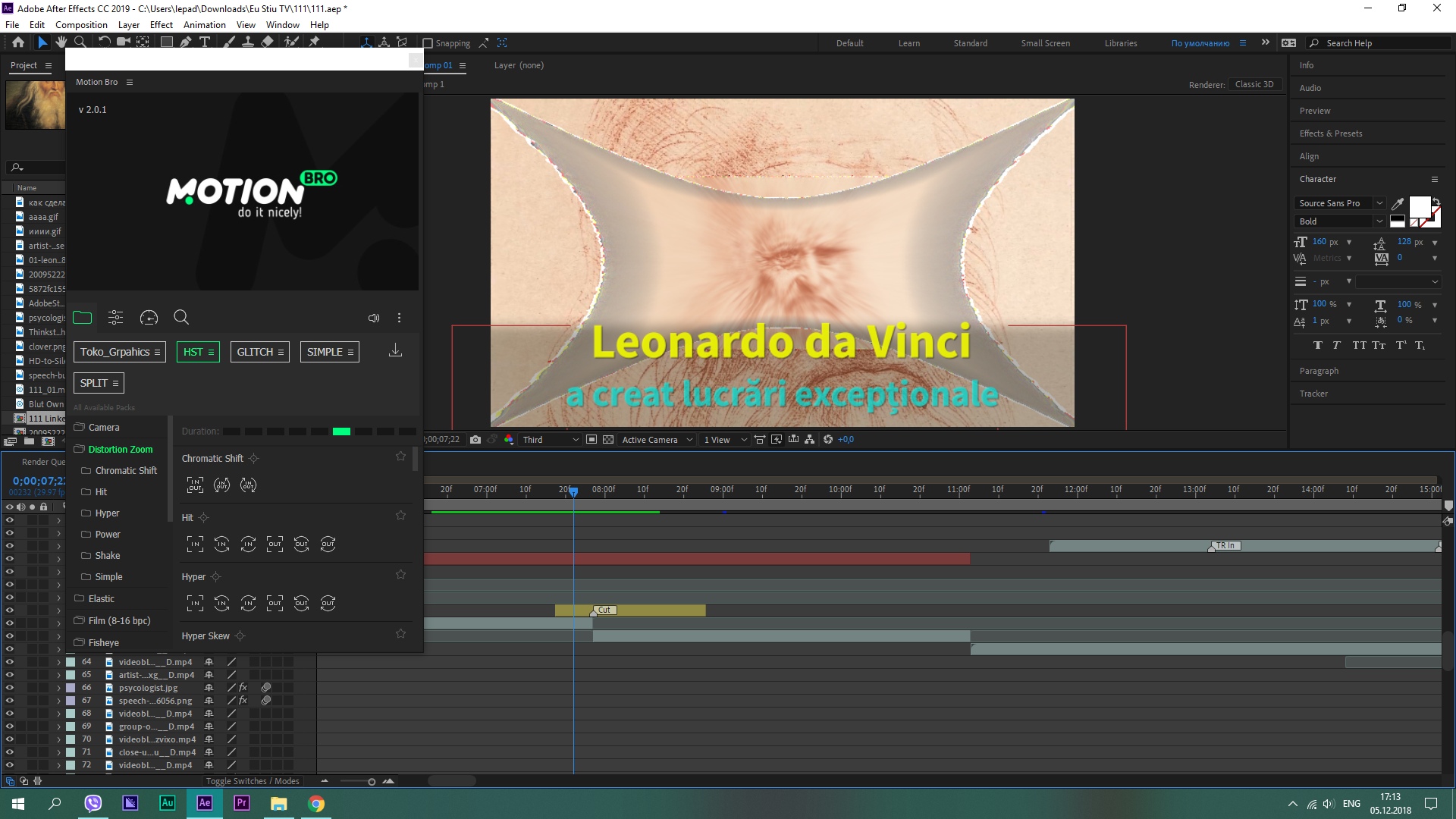
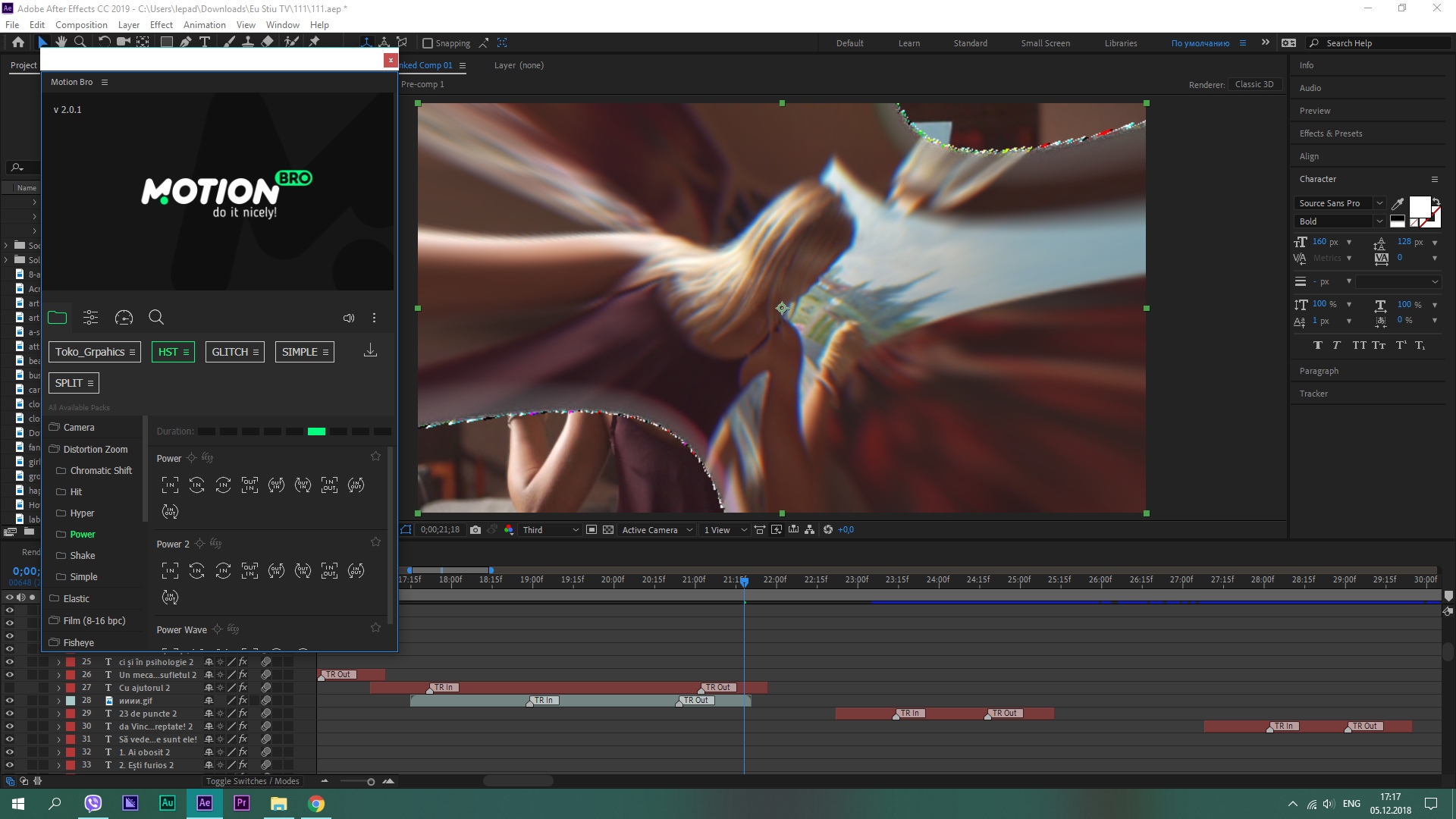
Still having issues installing with AE 2019. I have tried all the suggested solutions to no success. v2.0.1
Hello,
I have the same problem than Milengleb. I have PP and AE 2019. Someone can help me to fix this display error ?
Thank you.
Hello! Just upgrade your preset package to version 5.1. The latest version has fixed compatibility with CC 2019.
Can I use it only on one project? I can’t understand the kind of license
Hello! Please send your message via the feedback form my profile page: https://videohive.net/user/videolancer
I have you used this tool before but the layout has changed completely. Do you have tutorials for Mac O.S ae 2019?
please give me your email I have some questions?
Hello! Please send your message via the feedback form my profile page: https://videohive.net/user/videolancer
I downloaded motion bro extension v2.0.1 but I am not getting the download arrow in the packs tab. I have already purchased the transitions pack also. Please help
Hello! Try to expand the expansion window. Perhaps the icon was left overs.
Woww.. what a dummy I am! Thanks for your quick reply
Hi! All of the Transitions are black? How can I fix this?
zxp installation failed because of a file operation error .. and I have no idea what this means…
I have done it but still not working.. actually my AE is working fine but when I export there is nothing
my Pc is window 10
sent you an email please check
 Please help me if you can. I’m not sure, but may be I should change smth in settings of After Effects Here is another example
Please help me if you can. I’m not sure, but may be I should change smth in settings of After Effects
Here is another example
https://pp.userapi.com/c845017/v845017991/14b3d1/RA8MShU37gE.jpg
Please help me if you can. I’m not sure, but may be I should change smth in settings of After Effects Here is another example
Please help me if you can. I’m not sure, but may be I should change smth in settings of After Effects
Here is another example
https://pp.userapi.com/c845017/v845017991/14b3d1/RA8MShU37gE.jpg
I can’t verify my Purchase code, and got this message “Unable to connect to HTTP Server”
Hello! Are you using version 2.0.1 of the Motion Bro panel? Perhaps one of these solutions will help you: https://motionbro.net/help/after-effects-troubleshooting/when-installing-the-list-presets-file-an-error-occurs/
I just purchase and download it today and I got version 2.0.1 from where can I get the new version 5.1??
Send me, please, a screenshot of this error message to the email: kogoduos@motionbro.net
How to import these to use them? I’m having trouble finding them in after effects/PP. I’ve pasted them in presets folder and can’t find them, even rendering them in after effects and then trying to import them hasn’t worked. Please help!
Can anyone help me…
Oh, sorry. Your message went unnoticed. This rarely happens, but unfortunately it happens. Please send your message via the feedback form on my profile page: https://videohive.net/user/videolancer
Would it be possible to make a version of this plugin for Final Cut Pro?
I need help!!! I’ve download the motionbro extension Version 2.0.1 and Installed it manually by extracting the files and placed in the following link provided
C:\Program Files (x86)\Common Files\Adobe\CEP\extensions\MotionBro 2.0.1
I restarted my AE and was able the find the extension window by clicking Window > Extensions > Motion Bro
But the motion bro extension window that pops out was blank and empty. I couldn’t select / import or do anything in that extension window. Please help me I’ve been trying over and over and over again and it still doesn’t work
very good product
Great product, but I’m facing this problem: text looks pixilated when I use the shaky camera motion effect, do you know any solution?
Hello! Could you send a screen shot so that I understand how it looks visually? Please send your message to mail@videolancer.net. In your message, provide a link to this comment.
I have the most recent extension (Motion Bro 2.0.1) and the Most recent HST.list file from t he V5.1 download, and when I enter my product code I get an error message: Status is not ‘200 ok’ or ‘301’. I am on AE 2019, on a Mac, there’s no firewall and I am an administrator. What’s up?
Hello! Please send your message via the feedback form Videolancer profile page https://videohive.net/user/videolancer
Hello Videolancer, I’ve contacted Videohive for a refund but they have sent me to you. The reason why I have requested a refund for Transitions is because it just does not work! I work with AE CS6 and I followed your instructions step by step several times but it just does not work at all. There are two sections one is for CS6. If I open this section I only see 4 aep sample files which I am able to open. But there is nothing that shows me any transitions on my project. If I go to the other section (outside the CS6 Folder) where all transitions are located and click on one I only receive a message that this project was created with Window doesn’t work with my system unless I upgrade my version. Like I’ve said I’ve followed each step. The package also promises that there are 1500 transitions. When I go on preview I see may be 150 only. Meanwhile I am tired to spend more time on it and therefore I ask you to offer me a refund.
Hello!
I assume that you watched this video tutorial:
https://youtu.be/9EfiT44BHvw
If yes, then that’s right, it will not work in CS6. Because support for extensions appeared in Adobe applications starting with version CC 2014. That is, to run the extension CS6 – CC2012 is not technically feasible. I will note that this information is specified in the description of the product:
http://prntscr.com/lo73oa
However, you can use these transitions without an extension, in CS6, in the manner shown in this short video:
https://youtu.be/1HVSn3si1fA
Just in case, I rechecked the work of these transitions in CS6 and there were no problems:
https://prnt.sc/lo6xw4
Regarding the number – it can be calculated by the number of transitions preview files, these are mp4 files, and there are indeed more than 1500:
https://prnt.sc/lo6roo
If you have any additional questions, please let me know via the feedback form on my profile page.
Thank you for your answer. I knew this and I went at once to this youtube video. But when I open this file it doesn’t look like in this video. In your video are many more. This confusing. OK when I take one of these 4 AEP files – Glitch- into AE CS6 then I see many transitions. In your film you drag one into your project. To make it visible you press a button. This button does not appear in my version. I cannot understand it what you call it. This might have to do with the fact that I am not a native speaker of your language. Remains the question where is this button in my Mac version. I have to admit that I am a beginner with AE. Thank you again for your support and I hope that I can use this transitions soon.
Hello!
By “button” do you mean it https://prnt.sc/loswkj ?
If so, this is a script that changes the resolution of transitions in accordance with the resolution of your project. The script is located in the folder CS6\Change Resolution Script:
https://prnt.sc/losuq5
To run a script that has not been loaded, choose File > Scripts > Run Script File, locate and select a script, and click Open:
https://prnt.sc/loswdy
No, this it not what I meant. Before you click this “button” it shows only the transition but doesn’t show the photo. After you click on it the effect appears with the photo. You circle it red on the youtube video at 35 sec. Thank you!
Do you mean the star “collaps transformations”? If so, try pressing F4.
Thank you very much for your patience. Now it works! I am sorry for my negative comment. You gave a verse good support and I am able now to use this transitions although my knowledge in AE is very limited.
Hi! I downloaded the later version and everything is working fairly well! I only have 2 issues I wanted to make you aware of for future changes. When I select transitions to add to my Comp, they never seem to fit the actual frame. They are always just about 500 pixels less wide than they need to be. This isn’t a huge issue, as I just increase their scale to cover the entire comp, but it would be a nice fix in the future. Also, for some strange reason my comp space seems to be skewed. Every file I add is thinner than the original version I didn’t have this issue until I added MotionBro 2.0. It seemed to work fine before. This isn’t a horrible issue. I’m able to just manually adjust everything, but it would be nice for this to not skew my comp space. Thanks!
Hello! Could you send a screenshot in order for me to understand how it looks visually? Please send your message to mail@videolancer.net. In your message, provide a link to this comment.
Hello, when i want to install the extension on zxpinstaller it write ” Installation failed because the extension is not compatible with the installed applications. ” .... i cant use my purchase
Hello! What version of After Effects are you using?
Im on After effect cc 2017
Already done and it doesn’t work.. nothing on my after effect
D:\Program Files\AE CC2017\Adobe After Effects CC 2017\Support Files\Plug-ins\Extensions I only have this folder for extension
Hello delte folder “Motion Bro” form this your path D:\Program Files\AE CC2017\Adobe After Effects CC 2017\Support Files\Plug-ins\Extensions. And place it in C:\Program Files (x86)\Common Files\Adobe\CEP\extensions or maybe in your case: D:\Program Files (x86)\Common Files\Adobe\CEP\extensions
i take the latest version of aae, it work now, but where can i find a tuto to install now this transition pack
Great! You will find the tutorials here: https://motionbro.net/help/video-tutorials/
Hi there! Almost all transitions show “expression errors” in After effects. But they seem to be working fine. Should I be worried about it? Running AE CC 2019. Motion Bro and HST updated to the latest versions.
Hello! Please try in the new project. Is there a problem? If yes, then you probably use the previous version 5.0.
How can I download an older version please? Thanks for the quick answer, btw!
Unfortunately, the old version is no more.
Oh! I misread what you wrote. Sorry. I’m using version 5.1. Still showing expression errors. Motion Bro 2.0.1. After effects 16.0.0.
In the new empty project, expressions errors appear?
No. Starting a new project made the errors disappear. So weird. Anyway, thanks a lot for the help!