981 comments found.

I was looking for a trasition pack and had a good look around evanto. There are cheaper ones out there with more transitions, but after using this pack I doubt there is any other better pack in the whole evantomarket. Really simple to use by using the included Premiere extension and also, sfx sounds are included and placed in the correct position, just awesome!
Hi! Appreciate your feedback! Please leave your review here https://videohive.net/downloads – https://c2n.me/48Mmofe , so everyone could see it in the reviews section.
p.s.: and you’re absolutely right, my product is about quality, not the quantity 
tenks
I love this. Easy to install and apply. Great buy!
Hi! Glad you like my project! Please leave your review here https://videohive.net/downloads (in the reviews section), so everyone could see it 
Hi, I have enabled accessibility in my system preference but when i try to apply an effect, the plugin still result in an error and ask me to enable accessibility. Anyway to fix this?
Hi. Please email me via my profile page https://videohive.net/user/replayer with this question.
Hi How to update this product? I mean is there a way to do that from the product itself inside premiere pro?
Hi. When update will be released, you’ll get email notification. Then you’ll need to update the plugin (no need to uninstall previous version, simply install the new one via ZXP installer).
Hello. Im trying to install the ZXP file to premiere pro but I got the message “please install compatible cc aplication and try again”. I have an old mac and the latest version of premiere pro I have is the 2019 version. Can I still use this transitions pack? If not, can I have a refund? thank you
Hi, I would like to re-installed on my new computer and trying to sign in with my email and purchased ID but keep receiving this message: “error 23 You have reached the maximum of activations for this license. Please, remove the license from your previous computer via Settings and try again.” please help. thanks
Hi. Please email me via my profile page https://videohive.net/user/replayer with this question.
where do I find the Aescripts ZXP Installer? I got the seamless transistions.zxp downloaded but I cant install them because I cannot find where to download the aescripts ZXP installer
Hm, I believe you haven’t opened installation manual https://c2n.me/47Hzj8a.png ?
p.s.: if you actually have read the manual and still haven’t found the link – here it is https://aescripts.com/learn/zxp-installer/
Hello, we bought the plugin for macOs today. We installed the zxp PROGRAM, but don’t know how to call the TRANSITION in Premiere pro. please help us as soon as possible. thank you
Hi. I have detailed installation manual included with the project, please follow it step-by-step https://videohive.net/item/200-pack-cinematic-action-transitions-sound-fx/21797912/faqs/43116
I cannot reset my license … I had to format my computer … I get Error 23 … I can’t get into the settings to reset it
Email me here https://videohive.net/user/replayer with this question.
Unfortunately I had to play Windows 10 immediately so he now sees the license on 2 computers … Unfortunately everything works only the ERROR 23 message comes
I don’t get into the setting because I have to register (i.e. on the three points as in the picture of you as an example)
I’ve already removed your previous machines. You can log in again.
WHAAAAAAAAAAAT AAAAAAAA SUPPORT THIS IS HOT !!!!! THANK YOU SO MUCH BABA
You’re welcome! Please rate my project if you like support and my response time https://videohive.net/downloads
Hi.
I updated Premiere to 14.3.1 and a message saying 'Your license has expired' appears every time I open Premiere or switch project.I have to enter my email & purchase code every single time. This didn’t happen 6 months ago.
Does it have something to do with the plugin or should I contact Adobe? Thank you!
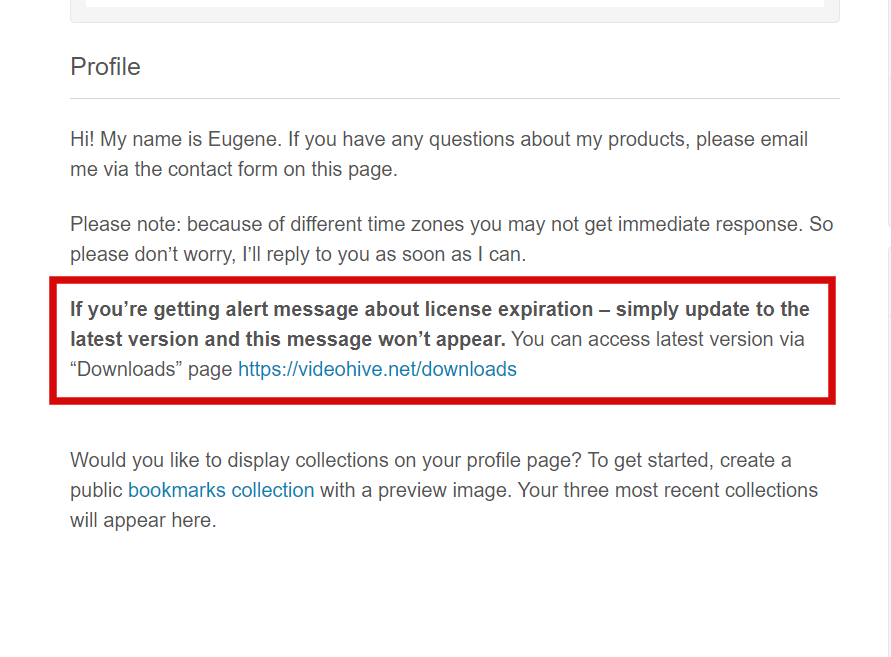
Hi. You’re using old version of the plugin. And the answer is on my profile page, simply update to the latest version 6.5.4 http://c2n.me/48aVHPj.png
gomi crash sisugi fuzakeruna kanekaese
Hi. I don’t understand what you’re saying, but if you need any assistance, email me via my profile page https://videohive.net/user/replayer
Hello, I have purchased 1 licence. It was wroking fine till new update from Adobe where I had to install your plug in again. after that I could not register again. Can you remove licence or give me working activiation code please.
Hi. You can deactivate code manually, here is the solution https://videohive.net/item/200-pack-cinematic-action-transitions-sound-fx/21797912/faqs/43448
But if you don’t have access anymore, I can remove previous machine for you. Simply email me via my profile page https://videohive.net/user/replayer
Hello I am having issues adding the text transitions to just the text itself?
Hi. There is PDF manual included with the project, have you followed it? You simply need to nest transition + text layer, so it won’t affect your footage below.
I bought it today, but I can’t see Luma Fade. Where is Luma Fade?
Luma fade is included with the project https://c2n.me/48tNfUk , but as a regular preset. I have detailed PDF manual regarding applying process, please follow it. Also here is the tutorial video https://youtu.be/fe3hpzmmEX0
Replayer, it appears that the transitions aren’t brining in the sound effects. Am I missing something?
Hi. Check settings section in the plugin, maybe sound FX is off.
I am having issues with the transitions being too small for the sequence. the transitions are looking more like a PIP frame. How do I fix this?
Hi. Please email me via my profile page https://videohive.net/user/replayer with this question.
ERROR FILE IMPORT HAS FAILED MAKE SURE THAT YOR ANI VIRUS AND FIREWALL DOESNT BLOCK PRIEMIER PRO
Already replied on your email.
Can we get ink Transitions and some others updates in future ?
Ink transitions are not really resizable. And there was a huge update with the plugin recently, it took 6 months to make it.
server offline? i cant use plugin!
Our server isn’t offline. Just opened PPro and checked the plugin: there is no error. Please check your network settings and firewall / antivirus (firewall or antivirus might block the plugin). If you need any further assistance, email me via my profile page https://videohive.net/user/replayer