150 comments found.

Hi. Why validity of the code has expired ?
Hello! Contact us via mail – basepackagehelp@gmail.com. We will solve your problem
This link is not working, can you repost?
AtomX_3.0.5r41.zxp
Hi there, will there be an update to support the mac M1-chip (on Mac Studio Ultra) in a better way? It‘s quite slow and not using the full power of the chips… thanks for yor answe in advance. Best andrew
Hello! Contact us via mail – basepackagehelp@gmail.com
Hi there. I bought this today and installed. When I try to drag onto sequence, it’s suggesting I have to have After Effects installed. I do. But it keeps prompting me to install After Effects 2020… I have 2022. Is this an easy fix?
I also am getting an error when I use the transitions “no helper app”
Hello! Please contact us via email basepackagehelp@gmail.com
It hasn’t been updated for about a year. Are you planning a major update?
Hello! Yes, you are right 
Hi, someone knows why if i put Transition, audio is always on A1 Track? Even if there is already sound on A1. How can i change it, that Transition SFX will be on other track for example A3?
Hello! This problem appeared on version 22.5. If you are using this version, then we advise you to install 22.4, everything will work fine there. Also, for any questions, contact us via mail – basepackagehelp@gmail.com
Where can i download 22.4 version?
Hello! If you use Adobe Creative Cloud, then there you can choose the version 22.4
Hi, thank you for this awesome library. But can i stop the animation in the middle? For example i want to add text animation, but after in animation, i want it stay not having the animation out. How can i do that? Thanks
My version is the latest AtomX_3.0.6.zxp, why are transitions and special effects not working after the installation is complete?
Why are transitions and special effects not working when I upgraded the latest AtomX_3.0.6.zxp?
Hello! Contact us via mail – basepackagehelp@gmail.com
Also check support tab on the product page
Cool bundle! LT_Modern_Right_04 seems to be missing. How do I fix that?
All the Landscape Color Grading “Luts” are missing too.
Hello! Please contact us – basepackagehelp@gmail.com. We will solve you problem Sorry for a long answer.
The update it is amazing, it has everything you need to edit a a nice video. Thanks for this!
You are welcome! Soon we will publish a new big update with more than 1000 elements. Follow us!
I bought the packages 2500, I installed yesterday, but today none transition are working. and bugs on typologies as well… My computer is dying by the way even M1 chip… WHY ? ;(
Hello! Contact us via mail – basepackagehelp@gmail.com
Hi, thank you for your product!
A few things: 1) Transitions don’t work (I’ve followed your helper page and Atom X responds with “No Helper Apps” (Reinstall or use previous version of Atom X) – I’m using AtomX_r63-atom.zxp
2) Lower Thirds > Modern > Left 01 doesn’t have Text Property edit options for the third line of text.
Also 3) Lower Thirds > Modern > RIGHT 01,02,04 says “Missing MOGRT file”
Hello! Contact us via mail – basepackagehelp@mail.ru
Hello, the email doesn’t work unfortunately!
Hello, sorry for the typo. correct email basepackagehelp@gmail.com
Hi! Very nice package but i have one problem with Text Animation effects. When choose typewriter i can’t change the font color.
I select another color but is always white. I can change the color of the cursor
Thanks!
Hi! Contact us via mail – basepackagehelp@gmail.com. We will solve this problem.
Trying to figure out this Ctrl/V requirement to get color grading to apply. Is this by design or something that will be fixed?
Hello! The problem is mostly fixed in version 3.0.6×63. You can download it here – https://api.aniom.net/atomx_files/AtomX_r63-atom.zxp
It just shows “assets folder not found” when dragging the .atom file into the extension… Why don’t you post it on here so everyone can know how to fix this and not wait for an E-mail???
Hello! Please unzip the archive (7-zip, winrar) completely before installation
I have an Issue ” currently not working on mac OS ” on Premiere latest update
Hi! Check our support page – https://videohive.net/item/base-transitions-and-motion-graphics/29733181/support
If i bought a Premiere Pro Version, i can use it only in Premiere? Will it also work in AAE?
Hi! You can only use this project in Premiere Pro. After Effects version – https://videohive.net/item/base-transitions-and-motion-graphics-for-after-effects/31018620
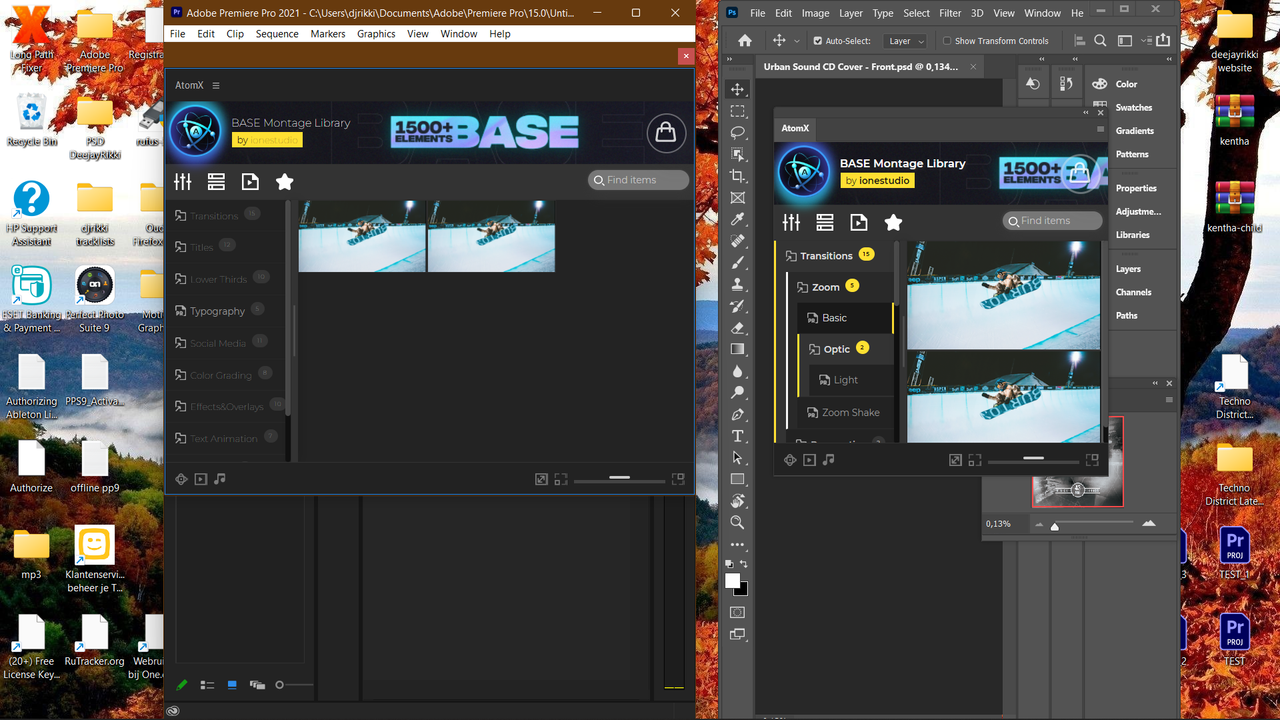
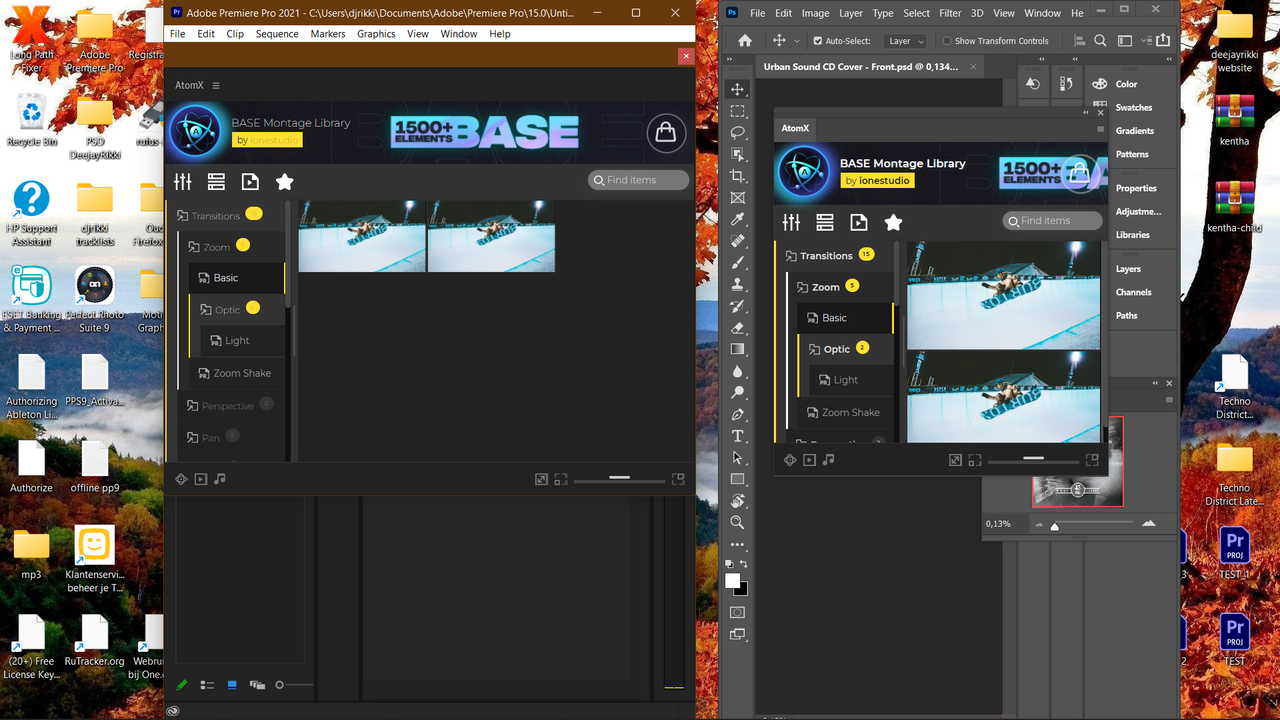
Hello, i have the trail version and the atomx panel is not so clear visible in pr 2021. But in pr 20 and ps 21 is it good. It is hard to see on the left side. See the picture, i hope you can help me thank you. https://i.postimg.cc/FHC5q05p/Screenshot-2.png
Solved with another version of pr 21.
Hi! Glad the issue was resolved quickly! We see that you have the first version of our package. You can download the update 2.0 for free in the “Downloads” section
Hi, can’t find the 2.0 for free.
Oh sorry You didn’t buy project, version 2.0 isn’t available for you
Hi, i’ve upgraded to pr 2022 because there was no hevc export for me in pr 2021, but the issue is back the atomx panel is not so clear visible again. It is hard to see on the left side. I don’t now what to do. https://i.postimg.cc/Y2FLK1Zf/Screenshot-1.png
If i solved this problem i would defenitely buy this project.
What version of pr do you use?
All your problems will be solved when you buy the project. We provide support only for customers. Thank you.
Ok thank you.
But for now i wan’t to use the demo.
Can you please help me i can only use the free version for the moment. Thank you.
Hi again. Try install this ATOMX version – https://api.aniom.net/atomx_files/AtomX_3.0.5r41.zxp
Hi, that didn’t helped.
Hi, i think it has to deal with the build of pr pro what version and build do you guys using?
Hi! So far, we have not encountered such a problem. Our extension is well displayed on all versions of Premiere Pro. We are using CC 2020 (14.0.4) and CC 2021 (15.2.0). What revisions do you have?
Hi, i use 2022 v22.2.0.128 in the 2021 it’s good but need hevc export and this is only for me in the 2022.
You should test it in 2022 to see if it’s only me or what.
Did jou tested 2022 already? Sorry i’m bothering you.
Hi! Sorry for a long answers. Contact us via mail – basepackagehelp@gmail.com. There we respond faster
I have installed everything correctly and everything looks fine but when I try to import something into my sequence (no matter what and which way) I always get “No access to file import”, what can I do about that?
Hi! Contact us via mail – basepackagehelp@gmail.com
Hi, I can’t select the image or video. Ex. When I select youtube elements or Instagram elements, and when I tried to select an image for element it’s not clickable. I did setup Premiere Pro and it’s same also my old computer.
Forexample I added a logo reveals and on effect contorls tab and replace your logo section doesnt allowed to click : replace from finder, reveal in project and ..
Hi! Use Essential Graphics Panel, not Effect Controls