977 comments found.

WHY WHEN I DOWNLOAD IT ITS STATES ITS A 200 PACK
Because pack started with 100+ transitions and 100+ sound FX. And Videohive doesn’t allow to change project URL, that’s why I have to stay with that stupid project name.
nice stuff thank you
You’re welcome) And please don’t forget to rate my project if you like it 
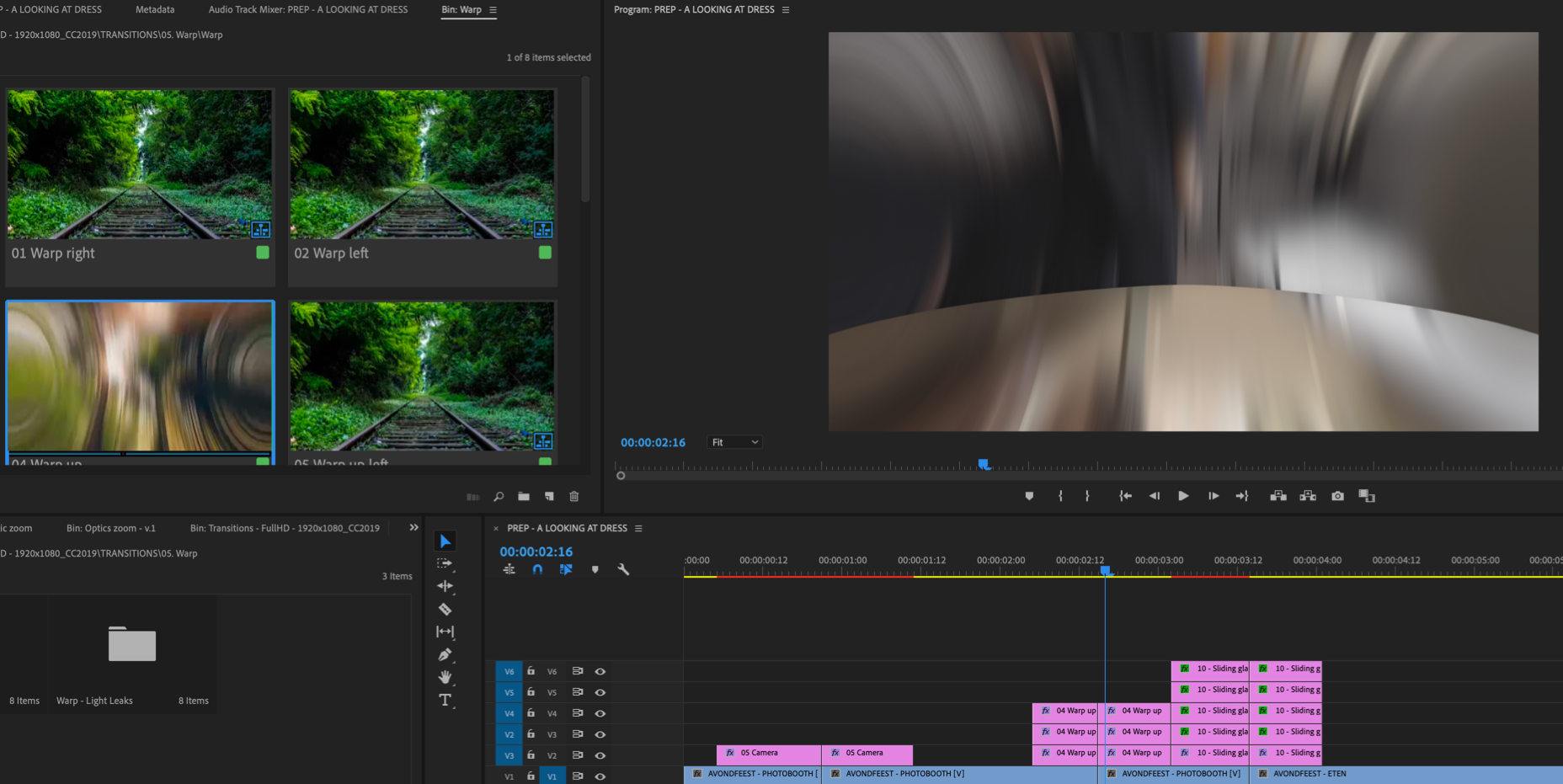
The transitions are not working properly. I drag them in and on the last frame of the transition the shot is distorted then quickly goes back to the right framing. It’s hard to describe without taking pictures of how it looks or a video to see what I’m talking about. This happens with every transition. Also the licensing on this is ridiculous. Who would pay $55 for over 1000 transitions only to use it once. Wish I would have read more clearly the fine print.
Please email me via my profile page with that issue.
Hi,
Can I use these transitions more than once if it’s for personal use?
Hi. Please email me via my profile page with this question.
used to install on mac?
Sure) I even have a tutorial video for Mac  Here it is https://youtu.be/NN0-mR_lVEg
HI. Does this product work with version 13.1.5 of the premiere of 2019?
Hi! Sure)
If this product is updated, can I download it … or do I need to buy it back?
All updates are totally free
can this product be used on several personal computers?
On two, yes.
Hi , theirs a problem with the transitions it keeps telling me the files are not found when i import the transitions through premiere pro. Then tells me to locate them theirs nothing poping up! please help
Hi! Have you followed my tutorial video regarding re-saving etc?
Yes i followed your tutorial video it keeps telling me to locate files but can’t find it
Got it. Please email me via my profile page with this issue.
hi your new text preset do you have youtube tutorial? i cant understand your pdf tutorial.
Hi. There is nothing actually to understand, because you need to nest your text and transition without your BG. The last screenshot in the PDF manual is about that. I show exactly what layers should be selected before you nest them.
So there is absolutely nothing to show in video tutorial about that. If you need any extra assistance with this, you can always email me via my profile page.
Hi. I am interesting to buy these transitions. Can i use them for my videos on youtube or not?
Already replied on your email.
Hi i saw 5.1 version but i have only the 5.0 :/ can you help me? btw thank for your transition i love it!!!
Hi. Simply download latest version here https://videohive.net/downloads
Hi, for some reason I can no longer use the transitions. I bought them last year and I now have the 2019 premiere pro cc 2019. When I place it on the timeline, it doesn’t work. Just shows the pictures that are on it but they audio of the transition works. How can I fix this? Need a reply asap. Thanks.
Already replied on your email.
The short video tutorial on anchor zoom transitions is rushed and not beginner friendly at all. A step-by-step tutorial with a real-world example would have been a lot more helpful.
Hi. Premiere Pro is very manual, it’s not After Effects and applying anchor zoom isn’t so easy even if you’re not a beginner. I’ve showed 2 ways of applying these transitions and it’s pretty clear how to change target position.
There is only 1 restriction regarding anchor zoom: you can’t set anchor position in the very corner of the frame, because it may cause issues.
p.s.: if you have any questions regarding applying this effect, feel free to email me and I’ll assist you.
WTF! O already buy the montly license to download this, and cannot do it. I buy the license just for it. and cannot download without pay $55 more. I want refund, my money back. thanks
I don’t really understand what monthly licence you’re talking about. There are no such licences on Videohive (if you’re talking about Elements – it’s very different platform).
Also please read Envato refund policy https://themeforest.net/page/customer_refund_policy. You can’t get your money back if you just changed your mind. If you want to discuss it, contact Envato support team.
too sad! expend a lot o money for nothing 
I can’t really understand why you’re upset. You already bought the project and you can use it.
i’m upser because i spend $200 to buy envato elements, thinking i can download this cinematic pack, after pay it i discover i dont do that, and need to pay a extra $57!! your website makes believe it is possible, and you discover you dont after you pay! In brazilian law customers have a rigth for money back until 7 days after pay it. How can i cancel the elements signature? Because i just want that cinematic pack, and not envato elements wo doesnt have anything good.
Now I understand, thx for explanation. Please email Envato support team and tell them you don’t need subscription for Elements and you want to get a refund.
p.s.: btw, it’s not my web-site (Envato is the owner). I just sell my project here
In the top of your site has that announce:
Envato Elements: Unlimited After Effects, Premiere Pro & stock footage downloads! From $16.50/m
that 200 pack cinematic is a premiere pro thing! so i belive that signature comes with this pack!
Envato Mix the things, they should be more clearly with that announces, to not make customers spend money for wrong reason
Once again, it’s not my web-site but I totally agree with you regarding ads: this banner may confuse clients and he actually do. But please note, Envato Elements is not Videohive.net, it’s a very different platform with a different content. And as you may have noticed even domain is different https://elements.envato.com/.
Elements is being used as a place for slideshows, intros, openers, stock footage etc. None of Videohive exclusives would ever be on Elements.
ok! i understand! Thanks for your explanation! have a nice day!
Does anyone know how to resolve the issue where my transitions bin which I installed properly suddenly disappears? The trans are available for 2 days and then they gone. How do I get them back without going through the whole install process agin?
Already replied on your email.
Thanks
Hi, before buying this pack, I’d just like to know if the zoom transitions are targetable. If I have a wide shot of a landscape with a tree to the bottom left, am I able to change the target point of the zoom transition so that it zooms into the tree, rather than just into the center of the shot. Is this possible? Thanks!
Hi. Yes, I do have anchor zoom transitions and you can adjust anchor point.
If you want to use the transitions in a sequence with a frame rate of 24fps, do you need to do anything special since all the transition sequences show 29,97fps. Tx for the great pack!!
Hi! You don’t need to do anything, simply apply transitions and they’ll automatically use your sequence FPS
A small quick other question, during f.ex the warp up and some other effects I see a hard edge line dividing my clips when they switch from one to the other, so it kind of misses motion blur on that edge part which I don’t seem to see in the previews. Is there a trick to get rid of the hard edge line? I tried it on multiple clips but it seems overal. Other than that all works fine! Example: https://c2n.me/43Ivelr.jpg
Hm… please email me via my profile page to continue this discussion. I’ll need screen capture of this, to see it in dynamics.
The licence agreement states’ Use, by you or one client, in a single end product” Does this mean that you pay $55 to use these transitions on one single project/video only?
Hi. If we’re talking about freelance / commercial projects – yes. Multi-use is not allowed.
Hi, are these transitions available though elements.envato.com? I count find it…
Such projects will never be available on elements. Elements were created for very simple & basic projects (slideshows, intros, openers etc).
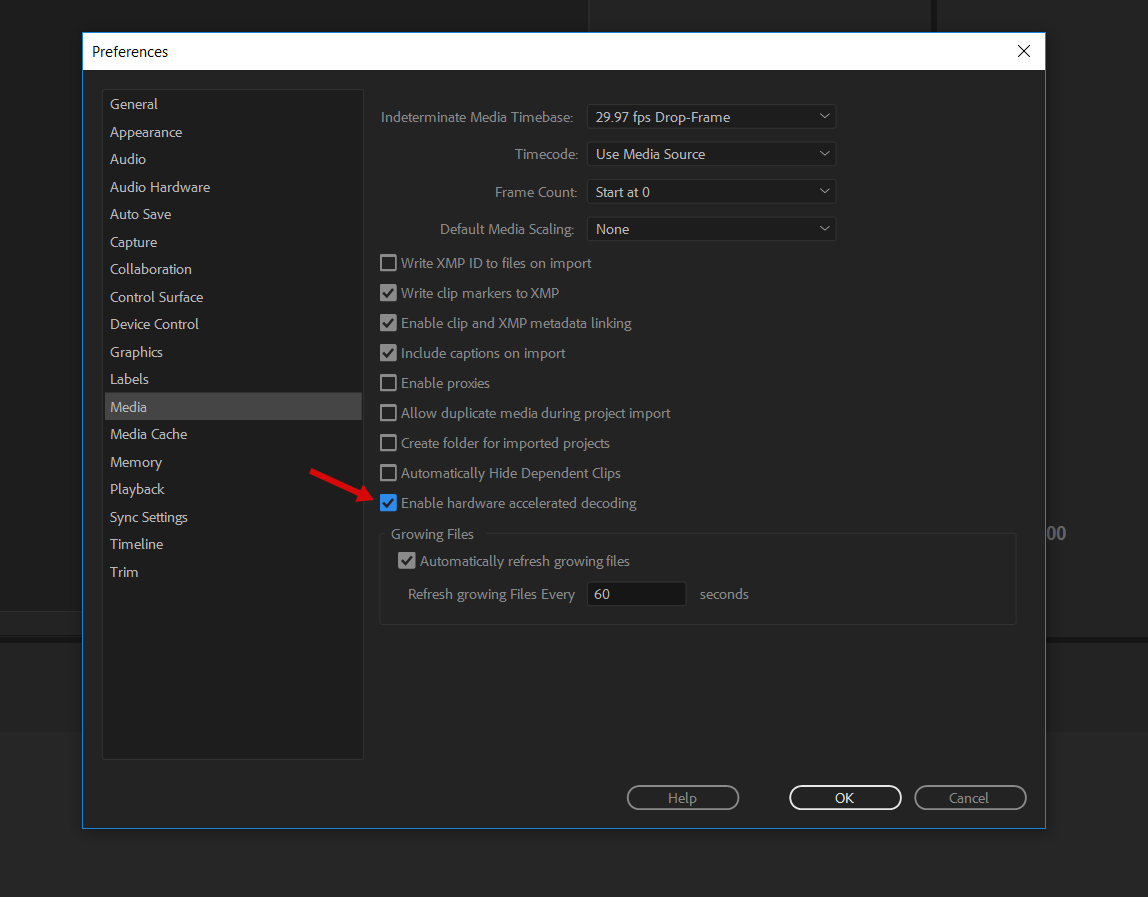
I’m trying to use these effects, but premiere keeps crashing when i use them. It crashes especially quickly when using the ‘flat’ and ‘flat blur’ transitions, is this a known problem and is there anything i can do to improve stability?
Hi Joel. If you’re using one of the latest CC 2019 versions, please disable this http://c2n.me/435Rqwe.png.
hello. I purchased the “seamless transition” today. but my premier pro version is not match your program
I’m sorry but I wanna refund.. is it possible?
please give me a answer.. to “chuckperson@naver.com”
the 57 dollar is quite big money for me.. i’m just student… TT
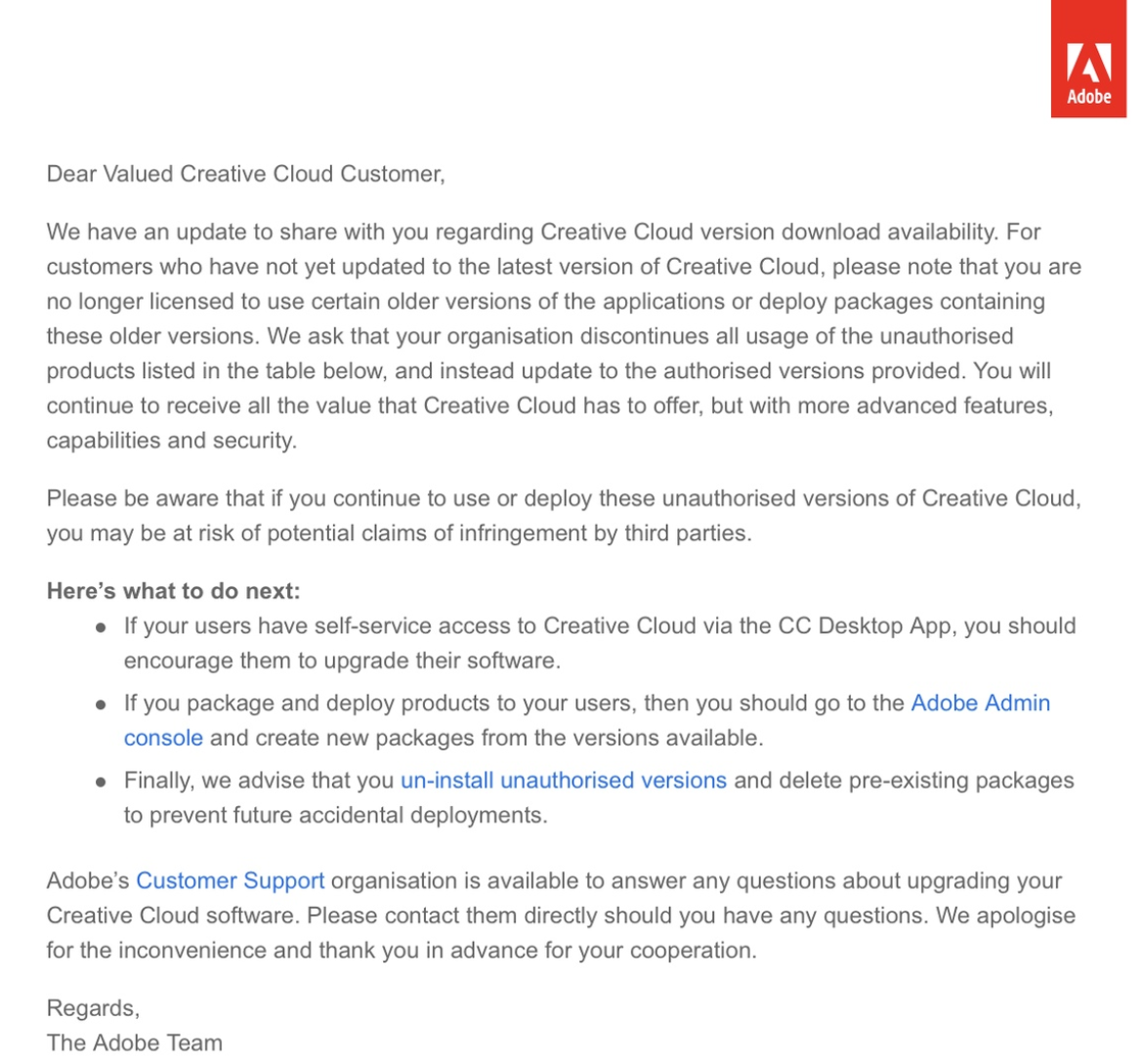
Hi. Version requirements are stated at the top of the project page, there is no secret of what version you need to work with the project. Also please note, using old versions is illegal now and here is official letter from Adobe http://c2n.me/41H9CkB.png.
And according to Envato rules you can’t request refund if your software version doesn’t match. Please update your Premiere Pro via Creative Cloud to CC 2018 12.1.2 or higher.
Hi, How do I import Luma presets to the project. I saw that it is in the premiere folder but how do i make it part of the rest of the presets?
Hi. PDF-manual is located right here ”\Premiere\Help and additional tutorials”. Luma presets are regular Premiere Pro presets, that’s why they’re not included in the project files and go separately.
such a fast response! thank you for such an amazing project.
You’re welcome) Please don’t forget to rate my project, if you like my response time and the project itself https://videohive.net/downloads