46 comments found.

Hello I just bought it, but when I try to use it in Final Cut Pro its has a black background? So how can I use ist as Overlay?
Hi, is the text editable? I don’t want texts in english, suscribre, can i change it ? I’m using Premiere Pro and after effects
Here Premiere Pro version where you can change text on yours https://videohive.net/item/like-subscribe-and-bell-animated-video-overlay/23714950
also we have After Effects version if you need.
Hi there, I wanted to remove the black background living only the effect of the YouTube reminder on Sony Vegas pro 16. I tried already this process mentioned in another comment
1) Right click on video layer with overlay
2) Properties
3) Alpha channel : choose Straight (unmatted)
4) Press Ok
However unsuccessful. Can you please let me know how can I remove the background on Sony Vegas Pro 16? Thanks, F.
Just install this codecs – https://support.apple.com/kb/DL837?locale=en_US
and follow step-by-step thigs i wrote beffore for Vegas Pro.
and let me know the results.
Thanks for coming back to me. Now works perfectly 
Please rate (click on stars) our item on your https://videohive.net/downloads page. We will be very, very, very, very, very, very happy.
very nice
Why cant i remove the black background in filmora? When i add it to the video it will lay over the video so all i see is the template with a backscreen and i cant do it like you did in your description??
Hello!
what version of Filmora did you use?
I checked reminders on Filmora 9. Preview of Filmora is kind of bagy and show this grey-black background, but if you will render this video – all is ok and reminders works properly.
Hi when importing into sony vegas im getting a black ground and cannot overlay onto video can you help ?
Hello, friend!
1) Right click on video layer with overlay
2) Properties
3) Alpha channel : choose Straight (unmatted)
4) Press Ok
Please rate (click on stars) our item on your https://videohive.net/downloads page. We will be very very very very very very happy.
Feel free to contact if you need something else via Live Chat – https://templatesbravo.com/contact/
I’m using Screenflow for MAC. Do the animation effects come with a transparent background that I can import and use in Screenflow?
Hello!
This templates with transparent background, yes. Should work with Screenflow. I can send test sample for you if you want. Just contact with me via Live Chat – https://templatesbravo.com/contact/
let me check. 10 min
Checked with ScreenFlow 8.2.1. Works good.
Hello i carn’t seem to open up how to setup end animation on final cut pro trying to edit the words but carn’t
Hello,
End animation you need just render with your video,
then
you need setup avatar directly on YouTube like in this tutorial https://www.dropbox.com/s/clqxy11y7q81ua7/youtube1-2019-01-07_20.19.10.mkv?dl=0hell thanks can you also tell me how to edit template 5 on final cut pro
You can only used this footages and can`t edit, cause it`s just videos, not templates.
Templates what you can edit we have here:
for Adobe Premiere Pro
https://videohive.net/item/like-subscribe-and-bell-animated-video-overlay/23714950for Adobe After Effects
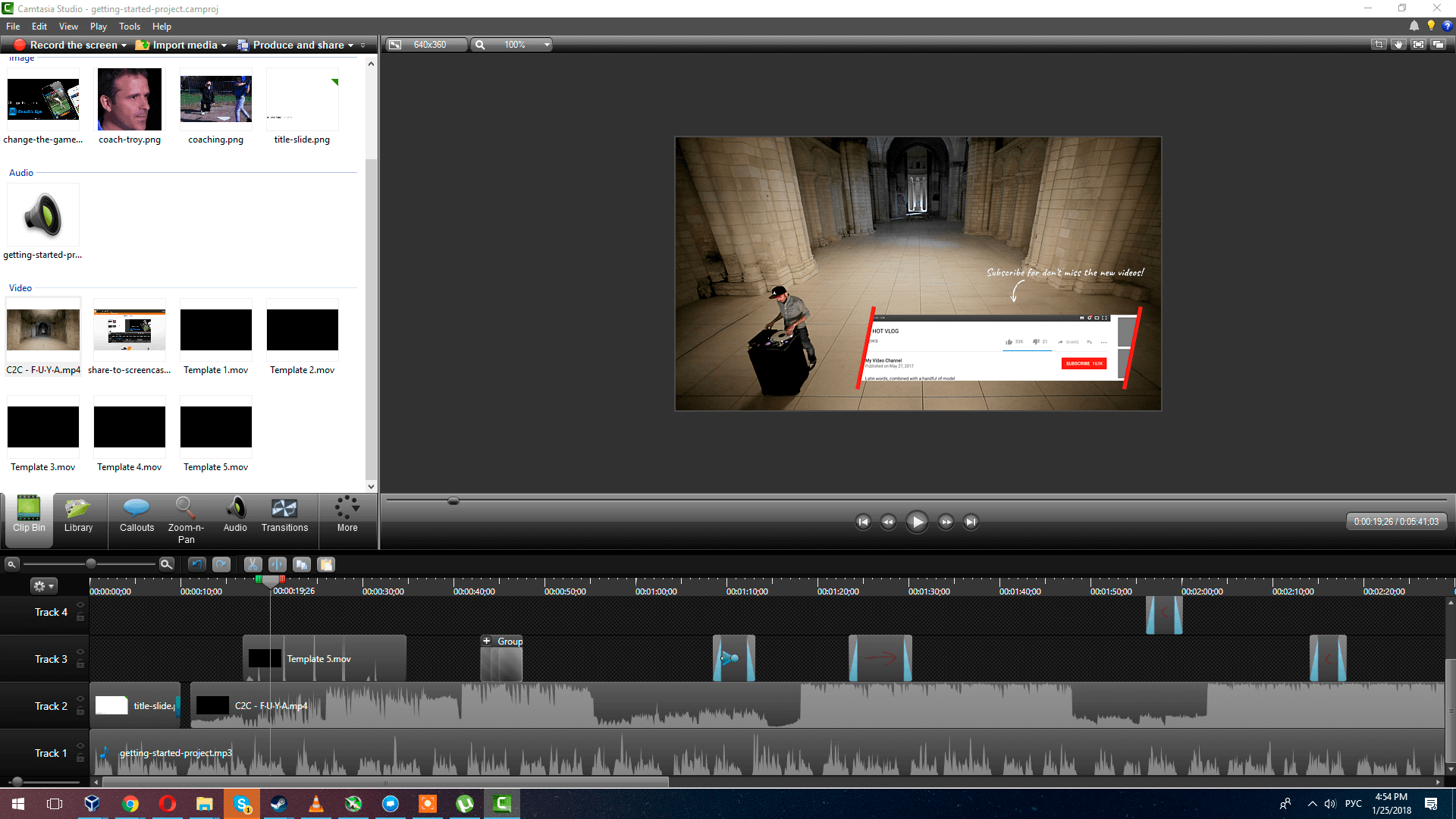
https://videohive.net/item/youtube-subscribe-and-likes-reminder/20392107work with camtasia studio?
Hello! Camtasia don`t support Apple ProRes 4444. So it`s not.
Hello templatesbravo, youtuber is compatible with FCP version 10.4.4 ? do you have any procedure? Can I edit all the text? Thank you very much!
Hello! It`s just rendered version of After Effects version – https://videohive.net/item/youtube-subscribe-and-likes-reminder/20392107
You can`t edit this version. It`s just videos for overlay.
You can edit only this version (in After Effects) – https://videohive.net/item/youtube-subscribe-and-likes-reminder/20392107
We don`t have FCXP version. Sry.
is it possible for you to send me the files compatible with vegas pro 14? my email is sagethe6path@gmail.com, if you could that would be amazing!
Sent.
I bought a wrong version.. i need the after effect version.. anyway to upgrade or to return to get the right version? so sad.
Hi. Only way it`s – try to refund and buy tight version.
hello its not working in fcpx? please help…I think I bought the wrong one
It works with FCXP like an overlay. I will help you with this.
Do you used overlay like this? – https://www.youtube.com/watch?v=sLVEForOLx8
A great product, super fast service and very helpful. Recommended!
Thank you!
I’m trying to use this item in my Movie Studio Platinum and It only shows audio. Could you please make for me a version for Windows?
Sent to your email.
Thank you!
there’s only 1 left missing, the lower thirds and this one will be a perfect pack. question, i make vlogs is the SINGLE USE fine when purchasing this?
Yes, you can.
What kind of lower thirds is missing in your opinion?
like a banner where we can put our name..something like that would be awesome
For this things we created After Effects Version – https://videohive.net/item/youtube-subscribe-and-likes-reminder/20392107
Looks great! Can you add this into any video editor like Hitfilm? Or does it only work with certain video editing software?
Works good with Hitfilm 3 Pro. Checked.
Do you know if it works with Hitfilm Express 2017? That is the free version. I should have been more specific, sorry!
Works too. Checked.
When I try to import this file into Sony vegas movie studio HD platinum 11, there is only an audio track, no video. Can you address please?
Hello! Pls give me your email and I will send Sony Vegas version for you.Via contact form https://videohive.net/user/templatesbravo
OK, just did.
Sent
As well as purchasing this fantastic overlay, I’m very interested for the video at 0:45 , is there a way I could purchase that? is it on this website? would you please let me know?
Hello! This video is here – https://vimeo.com/33316741 and it`s has CC license https://en.wikipedia.org/wiki/Creative_Commons_license
much obliged! 
You welcome!
This product looks good, but my video editor does not support AppleProRes. Can you code it in MOV for example?
Can you change the words? First overlay would be better as ‘Subscribe – don’t miss new videos!’
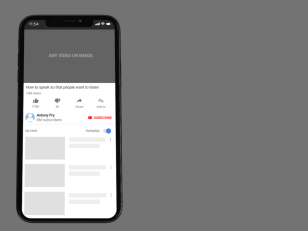
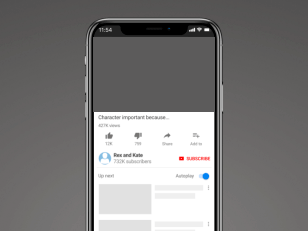
I’m really interested in a pre-rendered version of the mobile phone overlay. Can you produce this as a product for both single and multi-use licences?
Hello!
1. What video editor do you use? AppleProRes in MOV already.
2. Yes, I can. After purchasing I can render special overlay with text for you by free and send to your email.
3. I can create pre-render version with your data for this format of template – https://templatesbravo.com/wp-content/uploads/2018/01/greyt7.png
you will need to buy this one – https://videohive.net/item/youtube-subscribe-and-likes-reminder/20392107
and
our Customization Service https://templatesbravo.com/customize/
I can`t create pre-render for this one – https://templatesbravo.com/wp-content/uploads/2018/01/greyt5.png cause impossible scale screen by overlay.
Thank you for your quick reply. I use Camtasia 8. Their specs don’t state that AppleProRes is supported, but MOV is ok.
Good to know you can change text.
The would like to buy a rendered phone overlay – the problem is the licence you offer. It would not make sense for me to buy a regular licence, because it could be used in only one video product. If you can offer a pre-rendered version as a multi-use licence, then it can be used for more videos. I don’t think you can do this if it requires customization? Could it just be a generic screen shot?
Thanks again.
About Camtasia 8 – I will check what format works for this editor. Need a few hours.
If you buy https://videohive.net/item/youtube-subscribe-and-likes-reminder/20392107 this Multi-license version and our Customer Service – I just render Mobile version(and other) and you don`t need YouTube Subscribe Reminder Overlay (v 1.4) this item for that.
I think it`s the right way. But I need to check what works for Camtasia 8 editor.
I checked. Apple ProRes 4444 .MOV https://templatesbravo.com/wp-content/uploads/2018/01/Camtasia8.png works for Camtasia 8.6. (2015)
Thank you for confirming it works for Camtasia.
Your product – https://videohive.net/item/youtube-subscribe-and-likes-reminder/20392107 only offers regular/extended license – not multi-use. I need a multi-use license for social media purposes (like is offered on your overlay 1.4 product).Is this possible?
That (https://videohive.net/item/youtube-subscribe-and-likes-reminder/20392107) template created by me for multi-use by the single license. Feel free to use it as many times as you want for your personal channel. If you are not quite sure – you can apply for Envato Support for this question.
Thank you, but unfortunately, both the Regular and Extended License are for one end product only – as stated in the licenses. Envato Support will state the same. A multi-use license in not available as a purchase option on your product and would be legally required by a customer to use the product in more than one video – unless a seperate licence is purchased for each video – which would be cost prohibative for me. I would be keen to buy this product if you can resolve the license or perhaps open a new product with different license options.
Hm. I will try to get answer by Envato Support too.
The part of the answer is:
If the end products (videos) are part of a series however, then all the customer needs is a single license. What constitutes a series? http://videohive.net/licenses/faq#what-constitutes-series-a
I think videos on YouTube channel is part of a series.
Me: If Author of the channel have a plan use my item – should he buy a license for each video for his channel?
Support: As mentioned previously, if the YouTube videos are part of a series, then all you need is one license. What constitutes a series? http://themeforest.net/licenses/faq#what-constitutes-series-a
In addition to a series, allowed variations of an end product that are still considered a single application are listed in the link below:
https://themeforest.net/licenses/faq#allowed-variations-aExample: Let’s say I am a YouTube content creator who releases a cooking video each week. In this example, I am allowed to use your item 52x in a year with a single license since the videos are part of a cooking series.
Example: Let’s say I have multiple YouTube channels and create different types of videos on each channel. In this example, the YouTube creator must purchase a license for each end product (video) if they wish to use your item.
Hello templatesbravo. This is what I have seen from Envato before. I don’t just release videos on one specific subject alone. It is not affordable for me to buy a regular license each time I wish to use a product for one video. If it can be released on a multi-license I can buy it, otherwise not. Thank you for answering my questions so quickly.
Thank for your time too. Have a nice day, PictureBomb.
Just another question and answer:
Question: Costumer bought item https://videohive.net/item/youtube-subscribe-and-likes-reminder/20392107 and created one product (rendered overlay video with transparent background).
He created one product. And this one product he can use as many time as he needs, cause it`s new product (he don`t use the first product anymore, he use product what he made for himself). Isn’t it?
Answer: If the end product remains unchanged, it can be used in any number of products with a single license.