981 comments found.

Hi,
I have Premiere cc2019 and when dragging and dropping the “transition sequence” it just adds the sequence itself to the timeline instead of the components that make up that transition sequence. Any help on that?
Hi! Please follow this solution: https://videohive.net/item/200-pack-cinematic-action-transitions-sound-fx/21797912/faqs/32242
Hello! Is it possible to change the length of transition effect?
Hi! Sure thing, you can adjust duration of transitions. Please email me via my profile page https://videohive.net/user/replayer and I’ll provide you with the solution.
Hi, after importing this pack my premiere pro cc 2019 crashes. Need help ASAP please
Hi! Please give me more details (do you have some import error maybe?) and reply via my profile page https://videohive.net/user/replayer to continue this discussion.
Hi! I have a problem with my transitions. It seems like there is a change of contrast in the beginning of the transition and in the end. I have a jpg-picture with no adjustment, and as soon as the transition starts, the contrast is boosted, and it looks pretty bad. Do you have a solution for this?
Hi. Please email me with this question via my profile page https://videohive.net/user/replayer. I would appreciate if you attach video of that issue (feel free to use your smartphone if you don’t have any screen capture software).
Thanks for the quick reply. I have sent you an email with a video to show the problem
Hi, I bought it and it’s cool. how can i change the speed of the transition? thanks,
Hi. Please email me with this question via my profile page https://videohive.net/user/replayer
can i adjust the archor of the transition?
Hi. Do you mean target zoom? I’m working on the solution and hopefully will add this option in the next updates.
yes! i have already buy this item,and i wish the update coming soon.
Hi Scott_sun! Anchor zoom update just has been released 
So my Adobe Premier Pro is fully updated and the transitions will not work! It’s telling me to locate the file and once I do it’s telling me that the file is not supported..
Pretty much the same issues as colostrum24..
Hi. Already have replied on your email.
Hi, I’m using Adobe CS6 and I’ve got the following error when I try to insert transitions to my project: The project appears to be damaged. Can’t be opened. Can you help me out to solve this problem?
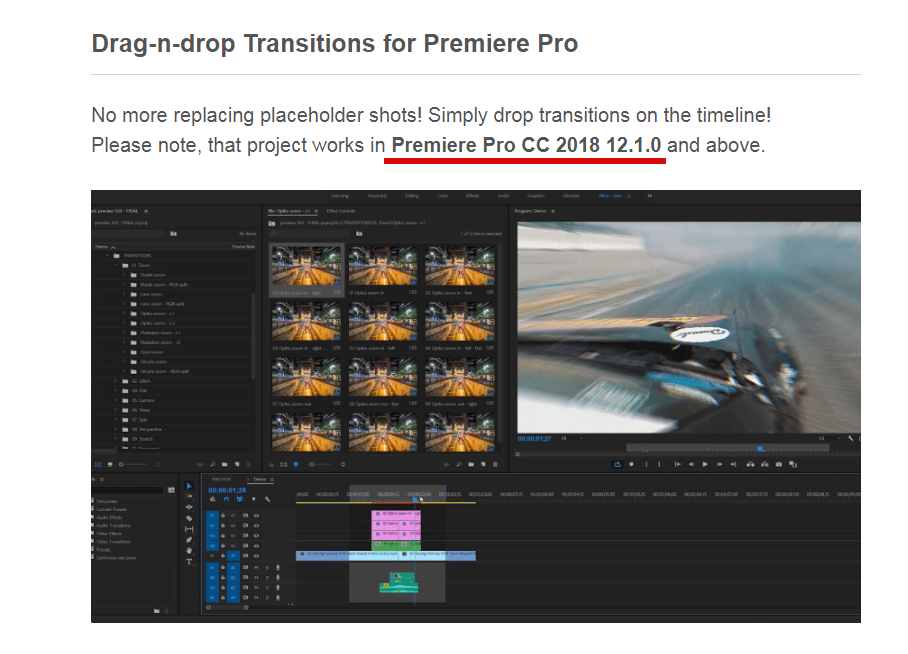
Hi. Version requirements are mentioned at the very top of the project page http://c2n.me/3Y5Ifn7.png. Please update your Premiere Pro.
Hi, I have a problem with importing my files into project, some of them are fine, but some are telling me : the importer reported generic error, and even if I found that file, it doesn’t want to link it. Thanks
Hi. Please email me via my profile page https://videohive.net/user/replayer and I’ll provide you with the solution.
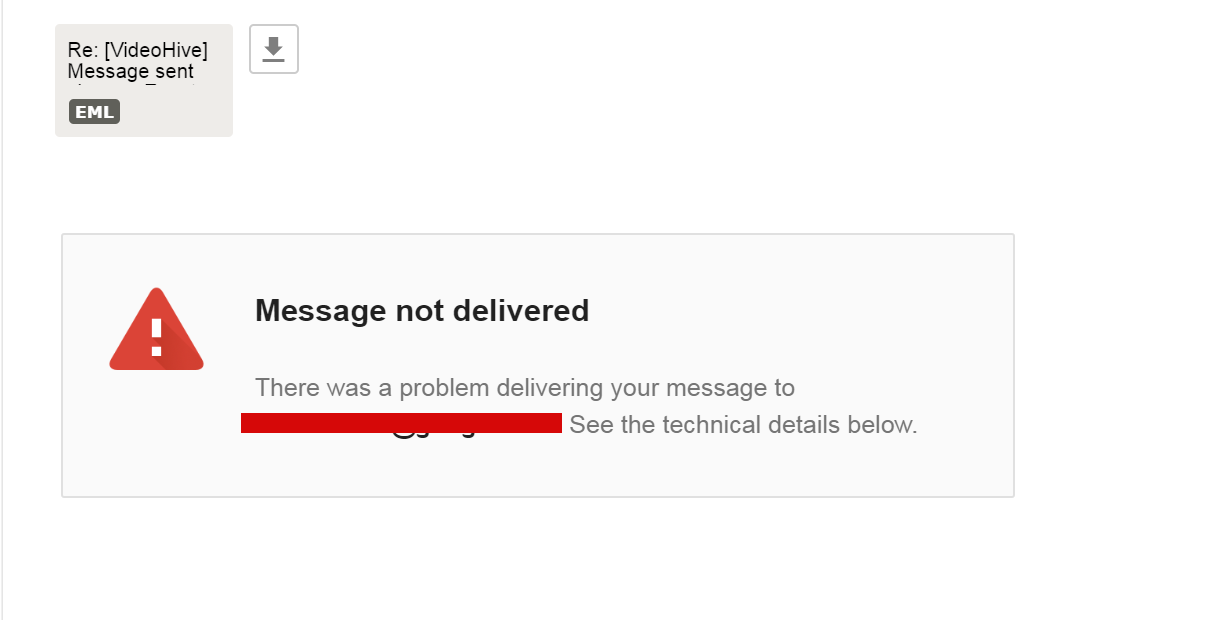
User ckstnwkddi – https://videohive.net/user/ckstnwkddi. For unknown reason your email isn’t functioning. I tried to reply on your email 2 times and both times got an error https://c2n.me/3Y9Rw0n.png. Please send me your another email via my profile page https://videohive.net/user/replayer so I will be able to contact you.
Having the same issue with others I can’t ge the files to load all media is missing.
F:Work 2018\Templates\500 transitions pack\500 CLEAN\ ... etc etc etc … Every time I try to apply them to a project like you show in your Video Tutorial, it always gives me the same error. I already opened the Full HD by itself, Saved it as you explain in your Support page, and nothing. This is really annoying. Need some quick help.
Hi. Replied on your email.
Hi, is this a one time use only?
Hi. Please email me via my profile page https://videohive.net/user/replayer with this question.
Hello I think someone bought your transitions and is using it for profit there AD popped up & the transitions there selling is the same ones your selling I wanted to give you a heads up cause i know you worked hard to make these. This is the website stealing your work.
https://effectslab.co/collections/frontpage/products/700-premiere-pro-transitions-packHi. Thanks for letting me know. I’m aware of that thief and already reported about it to Videohive support (it was about 2.5 weeks ago, don’t know why his web-site is still functioning). Hope this fraud web-site will be blocked soon.
You can contact Facebook and tell them to block that website since it’s using your products and promoting Ad’s Through it. and I believe the website is made through shopify so you can contact them and ask them to remove the website.
FB can’t do anything about it, same as PayPal or Google Pay. I’ve sent lot’s of notifications about this, still nothing. I hope Envato support will do something about it.
Shopify can block projects only if they hosted on it’s domain. This fraud using his own domain, so Shopify have no power here.
The funniest was talking to Google pay: they got my point about this fraud and that my project has been actually stolen, but they can’t block his account. There is no such option
Good day. I’m using PP 2019. I can’t seem to open any project files. It locates the media and crashes premier pro. tried resetting the preferences, plugins, moved the folders to difference drives…Have tried everything.
Please help !
Hi. Please email me via my profile page https://videohive.net/user/replayer and I’ll provide you with the solution.
replay: 50% to black Friday like everyone else, not just 20%.... looks Its not yet I will buy your pack. 
Who else will buy this pack if replay do -50% on black friday!!!!! ???
50% is only for Cyber Monday sale items. My item is not included in Cyber Monday that’s why discount is not so huge.
Nobody forcing you to buy project if you don’t like the offer.
Hi, just one question, I cant seem to open panoramic transition. Any help with that? Anja
Hi. That’s really odd. Please send me screen recording of this issue on my email support@replayer.net. Would appreciate video in FullHD. Thank you.
its ok I figure it out
Ok)
hello man! so im a big fan of this work. Idk if they have permission but another webpage is selling this transitions telling people is worth 200 dollars but selling it for 45.,, Idk man… the link on fb is “effects lab”
Hi! Thx for letting me know about that. But I’m aware of that thief and already reported about that to Videohive support. Hope his fraud web-site will be blocked soon.
im glad to hear that. is amazing how people is… thanks for your awesome work! every single update you do is like christmas
You’re welcome) And thank you for the review, appreciate it!
Let me ask if i buy the “regular license” $ 45, have I updated the new version in the future ? thank u
Hi! Sure thing, you’ll get all future updates for free. All buyers receive email notification when new update become available.
Hi Team,
Effece number 12.Fade not use Premiere pro cc2019 ?
Hi. Please make video of that issue and send it on my email support@replayer.net. Feel free to use your smartphone to make the video if you don’t have any screen capture software. Would appreciate video in FullHD. Thank you.
Having the same issue worked great on the first project but now I can’t ge the files to load all media is missing. Everything was great till I updated premiere the other day.
F:Work 2018\Templates\500 transitions pack\500 CLEAN\ ... etc etc etc … Every time I try to apply them to a project like you show in your Video Tutorial, it always gives me the same error. I already opened the Full HD by itself, Saved it as you explain in your Support page, and nothing. This is really annoying. Need some quick help.
Hi. Please email me via my profile page https://videohive.net/user/replayer and I’ll provide you with the solution.