29 comments found.

Is there anyway to locate the color control for the text? Text 5 for some reason is black while all the others are fine. It is like this when you open the project.
Sorry, I figured it out! Thanks anyway!
Glad everything is fine! Thank you for your purchase!
sorry for the dumb question, but i can’t use that.
i insert my video inside “Media_19” and nothing happen. any effects shows on my video.
i open “final_render” insert my video in “preCompAll” and all the colors and blends sounds weird.
how can i have the final result like the preview video of this page?
Hi, thanks for the purchase! You just need to insert your footage to “media” compositions as well as the text. It is all set up to work fine not sure what exactly is the problem? Can you email me screenshot or something? Do not insert videos to any comp just the Media_1,Media_2 etc.. All the best
purchased….. finding in and out points of text and media hard to find in timeline ? the project files have media holders but there are none in the timeline or final comp for editing “timing”?
Hi, thank you for your purchase. All the media and text holders are synchronized in order to get the glitch effect. You can edit specific time in the media holders to get the part you want to be shown. What exactly are you trying to edit? What timing? You can email me for easier support. All the best!
hey! great job.
i’ve a doubt. (sorry if this question is so beginner)
i really loved the transitions and the effects, but, can i just replace the videos of this preview for my scenes and i’ll get the same result?
Hello, sorry for the late response. Yes you can! That’s the all point of it  Let me know if you need any help. Cheers!
Great job! How can you add text? I want to add more text comps in please if possible – thanks!
Hi, thanks for the purchase! For this particular project it is little bit difficult to do that since everything is synchronized and detailed. You can duplicate the text in the project panel and then duplicate the text in the timeline (select all text layers for that text) and then holding ALT drag it over the timeline text from the project panel. Email me if you need any help with that. All the best!
what’s the name of the effect at 00:04 and 00:21 seconds where the video has a locking effect? and how do i do
The soundFX are included in the file, they are mostly glitch sound fx. All the best!
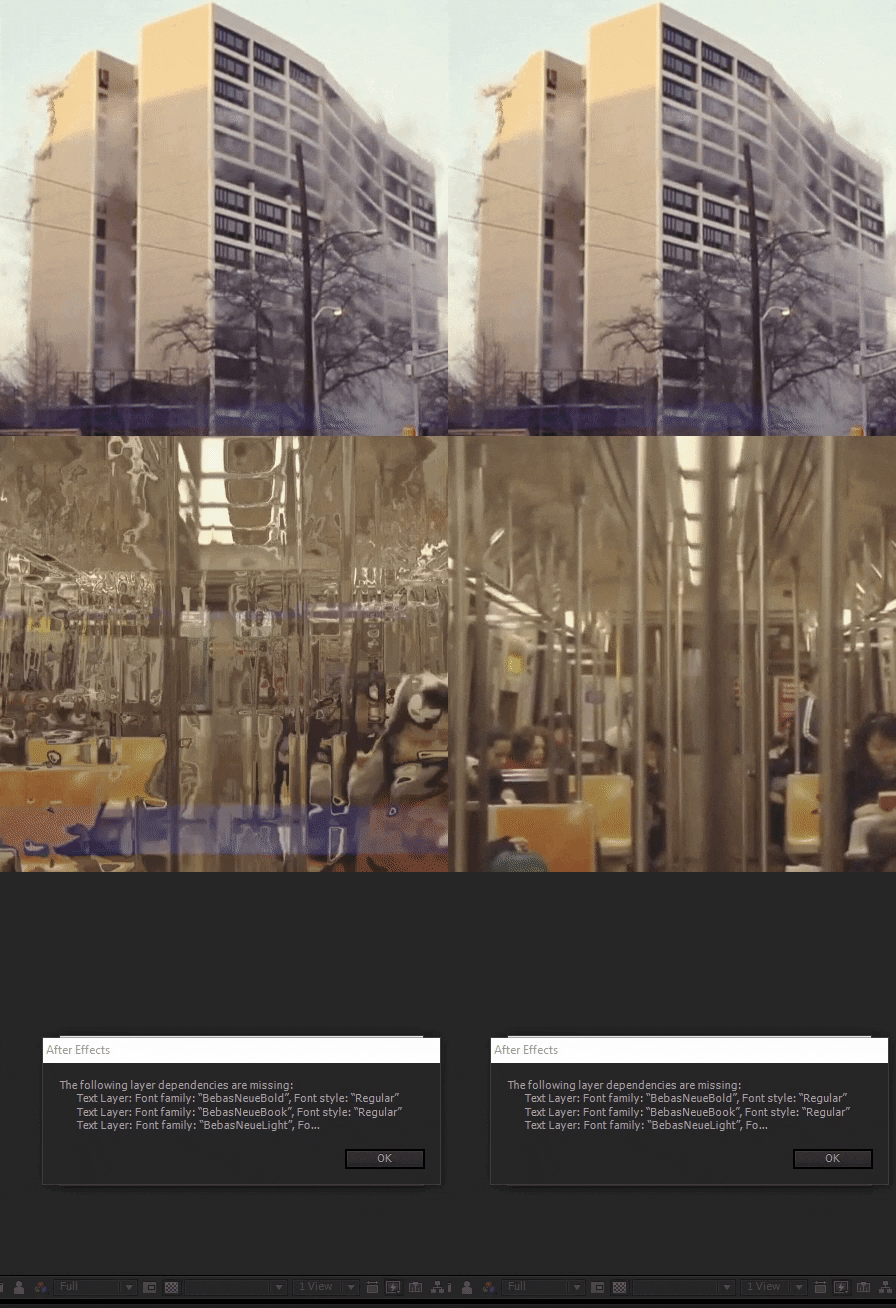
I am referring to the effect of the video that is kind of a “catch” of the boys and the house falling
Oh you meant video effect, there is no particular “effect” that i just drag and dropped to my project. It multiple things and custom made transitions with masks,footage,effects etc.
the video gives a lock on the building falling this effect that wanted to know
It’s just a few copy’s of the same layer arranged next to each other and speeded up a little so it looks like a glitch in time. Hope that gives you the idea. Cheers!
Muito obrigado pelos ensinamentos, você merece todo sucesso!!! abraços
version cs6 PLEASE?
excellent project! thank you. but I would like to use only the grid. Not the whole trailer. like a transition.
Thank you for your purchase! I’m not sure what exactly you need? Everything is made pretty much manually there’s no generic transitions and effects. You can email me for any kind of support and i’ll try my best to get you what you need. All the best! 
Hi there! It’s possible to edit this “computer” texts at the beginning?
Hi, thanks for the purchase! Actually you can, the composition is called “Booting” and you can enter and change the text. Let me know if you need any help! All the best!
You have created a masterpiece. Best thing I have ever scene before. Such a wonderful execution.
Thanks a lot!! Glad you like it!
Love everything about this. How subtle and scarce the effects are, the sound design, the VO, damn even the footage looks like it was so carefully and consciously selected. Great job!
Thanks a lot! Really glad you noticed and to hear that from a professional like you.
Very nice work, it’s amazing!
Thank you!
Cool! Added to bookmarks!
Thanks!!
Excellent project! This is pleasantly shocked me.
Thanks! Glad you like it!
Awesome! Good luck with sales! +
Thanks!!
wow
as always outstanding work!
Thank you my friend!