36 comments found.

I am using Photoshop 2022. It’s not working properly. Where should I change the Legacy ExtendScript?
Hello. I’m assuming you’re referring to After Effects CC2021, correct? The Photoshop Action associated with the product doesn’t ever mention changing to legacy ExtendScript, only AE.
I just tested this out in CC2021 and it appears to be working without checking that box. Note, in CC2021, they removed the option to even enable that feature, but I found it still worked properly.
My guess is your brush settings are off. The most common issues I see users run into are not brushing on frame 0, not having the brush set to “Duration: Constant” or not having the brush set set to “Channels: Alpha”.
Double-check those and let me know if that solves the issue. If not, feel free to send over screenshots to support@thomaskovar.com and I’ll take a look right away.
Thanks JJROD_Consulting for asking that question and Thomas Kovar for replying. I too ran into that expression errors and that seemed to fix it. Thomas, this is an excellent, excellent tool and really punches up photos. Thanks man!
Awesome, glad you’re enjoying the product! If you run into any issues let me know.
Will this work in After Effects 2021? Looks great!
Yes! If you have any issues, feel free to reach out at support@thomaskovar.com.
Hi I just bought this but keep getting errors on after effects Using CC 2020 (Latest ver) Says this project contains expression errors
Hello. I think this issue is related to the Javascript Engine in AE – you will need to disable that for now until Adobe fixes this issue. To do that, go to your project settings, then “Expressions” and within there change it to the legacy engine. Message me at support@thomaskovar.com and let me know if that fixes the issue.
Thanks that worked!
Hi, it looks great. I have a few questions: 1) Can I please see some sample gifs? 2) What is the size of a file about 500px wide (16: 9) with an infinite loop? 3) Can I apply the “Shimmer Motion Kit” to text? Like the text “SHIMMER” on the video. I look forward to your reply. Have a nice day.
Hello.
1. I’ve been straying away from gifs the past few years in favor of mp4 files set to loop as the file size is significantly smaller and higher quality. You can check out some examples of those here: https://www.behance.net/gallery/60650983/Shimmer-Motion-Kit
2. I would estimate around 3-4mb, but that can vary based on your gif settings.
3. The product actually comes with access to MotionKit.club, which has the text preset available once you’ve purchased the product.
If you have any other questions please let me know!
Hello, did you delete my previous answer ? Why?
Here is my message:
Hello,
thank you for the quick reply. I agree, mp4 is definitely a better choice. I am ordering some products within the “30-50% off Video Essentials”.
You will also have a discount on the “Shimmer Motion Kit”  It would help me in my decision. If not, I have to write that it’s a really amazing effect.
Hello. No, I didn’t see a previous message from you to reply to or I would have responded right away. Authors are not able to delete comments on Envato, so I can assure you it was not deleted by me.
Regarding the discount, as a non-exclusive author (meaning I can sell my products on other marketplaces) I typically don’t participate in sales on Envato.
I just found this nice pluging for AE… Is this working for 2020 regarding it hasnt been updated since January 2018!!  let me know!!
Hello. Yes, this product works with CC2020! If you have any other questions or if I can help out in any way please let me know.
Hi. this looks great v excited to start using it. I WAS hoping to have the resources to make the text that you use in the video. Ive watched the training but i don’t see anything in there, could you pls advise? (I love the text in your demo video!) many thanks!
Hello. Within your download is an access code to Motion Kit Club, there you can download the text preset! Let me know if you have any questions!
Hello, I’m trying to run the Photoshop action and i’m getting the “The command ‘Delete’ is not currently available” error. In the FAQ it says that it’s from running the wrong version of the actions. I’m on 20.0.6 and using the action for CC17+
The weird thing is i tried using the CC15 actions and it worked once but I can’t seem to get it to work anymore no matter what actions I use. Please help time sensitive!!
Hey Jordan, I just sent you an email, let me know if you didn’t get it!
OHSNAP!! I just came across this and looks like yet another time to buy $EVEN$TYLES mad talents and skills products like none other!!
Hello Thomas Kovar, your intro of this product has a nice shimmer text. Can I reconstruct it with your Kit? If your answer is yes can you explain it please and if no where I can buy it? The kit is awesome btw.=)
best regards Lazza
Hello Lazza. If you check out in your download you have a Motion Kit Club access code, use that to access the “Shimmer Text” preset on MotionKit.club and that has the exact text I used in the demo. If you have any questions, just shoot me a email at support@thomaskovar.com
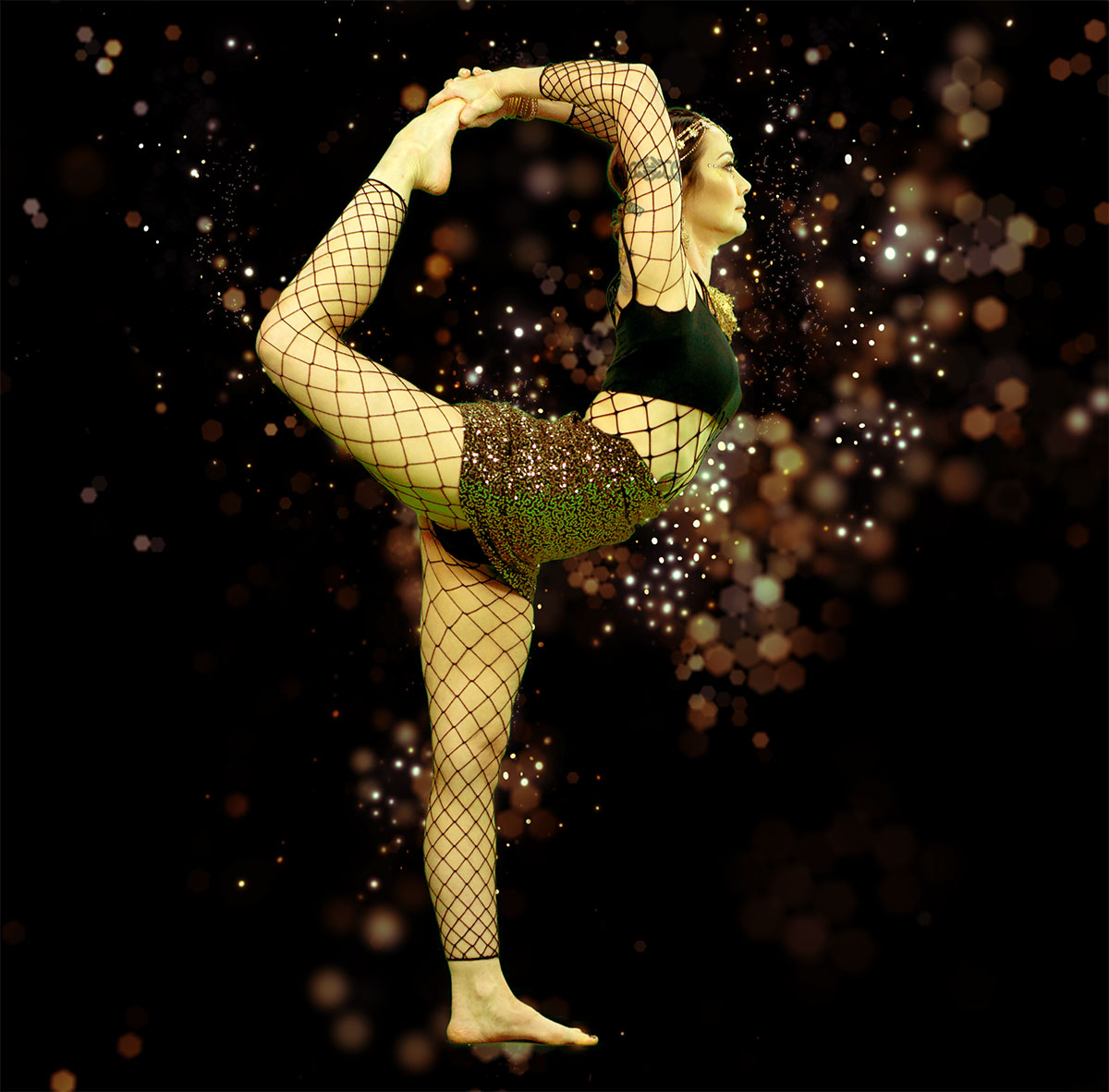
I had thought this action with the tutorial would allow for someone will no previous experience using after effects to be able to use it. After 4 hours struggling, looking at previous comments, YouTube and Adobe help page I finally was able to run the action….HOWEVER I don’t have “premier” which you kept referring to in your tutorial and either I missed it (even though I paused and watched the video many many times) I have no idea how to save it in a format I can actually share!! I used a photo of my daughter performing a Dance leap and couldn’t wait to show her how I had brought it to life …but after this much time, I’m ready to throw in the towel!!
Hello. Sorry you’re having issues, but I’m happy to help out. If you’re still having trouble running the Photoshop Action, please let me know and I’ll look into it right away.
Regarding using Premiere Pro, that’s not necessary, I only used that in the tutorial to help show the rendered results in real time playback. Premiere Pro does compliment After Effects well for editing rendered video in real time, but you could do everything I do in that part of the tutorial directly in After Effects.
In the tutorial after showing all the different modules I discuss how to set up a render here: https://youtu.be/qqPniGfeQsE?t=1625
If you have any questions about any of that, I’m here to help! Just reach out to support@thomaskovar.com and I’ll get back to you right away.
Hey there, Thomas…love the plugin! One issue seems to plague me, however. Maybe you can suggest a solution? Running Photoshop CC 20.0.1 on a Mac.
(1) Sometimes the action runs fine (example at http://7pclients.com/images/working-image-1.jpg and the image looks great.
(2) ...and sometimes I get things like this (example at http://7pclients.com/images/working-image-2.jpg Once I get this first dialog box and click continue, then more and more dialog boxes pop up, and it all seems to go kablooey.
(3) I’m pretty sure I have it set up properly before running the action (http://7pclients.com/images/working-image-3.jpg
Any ideas?
Thanks, Erik
I apologize…videohive had parsed my links oddly. I fixed them above in the original message, and the image links now work.
Hello. My first thought is that this might be related to the size of the image before running the Action. For best results, we recommend the dimensions to be around 2500px – 3500px, so if your image is much smaller than that (or much larger) crop or scale it up to be within that range.
You’re right though, it does look set up properly from the screenshots.
It sounds like the issue can be isolated to when the action encounters an error, so double check the first error you receive with our FAQ page for the Motion Kits and see if that error is listed on this page: https://videohive.net/item/sandstorm-motion-kit/18437528/support
Either way, we’ll get to the bottom of it! Just reach out directly at support@thomaskovar.com. I’ll get you in touch with Sevenstyles if that doesn’t help out, as he actually is in charge of the Photoshop side of the product, I’m in charge of the After Effects side.
Hi Thomas…after going through umpteen settings, I realized that I hadn’t converted to 8-bit color, and the Filter Gallery—> Stained Glass step was hanging up. Thanks for getting back to me!
No problem at all, I’m glad you got it figured out!
Disappointed, bought both this and Sandstorm Motion Kit at the same time, wasn’t clear that it was exclusively for use on still images and not video. That’s $58 down the drain… Wish it would be clearly pointed out that products are not compatible with video before any purchase is made.
Hello. I apologize, and you are absolutely not out $58 – just reach out to me at support@thomaskovar.com and I’ll get you a refund right away.
My intention is only to create products people love using, so if I’ve failed at that in any way you are entitled to a full refund. We included the option of the freeze-frame for video, but if that won’t work out for your video needs I understand! Like I mentioned on the Sandstorm Motion Kit comments, the real issue isn’t getting the effect to work on video, it’s getting the video subject isolated that’s the challenging part to apply the effect to.
For the Time Remap render it has 1 sec of video, then 3 seconds 10 frames of the freeze and then back to video. How would I make the part where it’s frozen shorter? Does that make sense?
Sure, just go into the “Time Remap” composition, and on layers 6 and 7 trim (shorten) those to the duration you want, then slide over layers 2, 8 and 9, as well as the keyframes associated with the end of layer 3 (the “Wiggle” layer, there are 8 keyframes to slide over).
If you have any troubles with that, feel free to message me directly at support@thomaskovar.com and I can explain in more detail.
Nice idea! Good luck for you sales!
Thank you!
buyer beware, This doesn’t work well in AE 2018. I had to use 2017 instead to get it to work. ALSO, make sure your image import defaults are long enough other you will fight with it for hours. I had mine set to import images for 5 sec long, Once I changed it to 25 seconds, no more issues.
Hello. I’d love to get the issues resolved – can you tell me the details of what wasn’t working in CC2018? To my knowledge there isn’t any compatibility issues, but if there is I’d love to get it fixed so no one else runs into the same issue!
Regarding the default for image duration, by default the duration of an imported image is set based on the comp size you are inserting it into, so I’m not sure in this case what wasn’t working. Could you let me know the details of this and I’ll look into it to make sure there isn’t something else I should modify for the project file?
Feel free to write back at support@thomaskovar.com, that’s typically the fastest!
Powerful tool!
Thank you!
One, a bit of false advertising as it’s not as simple” as they make it out to be. I was able to follow the video online to a point – and then it was all jibberish to me as I am not an AE person. Photoshop, no issues, Premier/AE no. I have been able to handle the plugins in photoshop just fine.
1. There is no apple prores that I could find in CC17. I am not sure if this is why I can’t render out a video in a few minutes but using media encoder with just youtube 720 settings is taking 3 hours on a new macbook pro, i7, 16gb of ram and highest video card they have for it right now?
2. There are a crap load of options for people who need that but it would be nice if this would just work without having to adjust all of that. The loopin/loopout wasnt exactly easy to follow nor was the moving the file to premier with the link options. Didn’t even pull over for me and it’s not drawn out in the video or the instructions included.
Hello 50Shades. I replied to your email – just wanted to follow up for anyone else that I mention in the tutorial if you don’t have access to ProRes to use Animation for the export settings. Also, it’s definitely not normal to take 3 hours to render out, there is another issue going on and if anyone else is having long render times like this please let me know and we’ll look into the issue. In this case, it’s most likely due to exporting out using Media Encoder, which I would not recommend for this product.
I also mention in the tutorial that I rendered out the results in AE and brought them into Premiere, I think where the confusion is coming in here is that 50Shades thought I was using Adobe Dynamic Link, which I do not recommend using with this product.
Regarding the LoopIn/LoopOut, I’m not sure what you’re specifically referring to, I tried to go over in detail how they work in the product, but if you have any questions about how they work feel to message me and I’ll explain anything in more detail that you’re not following.
If there’s anything else I can help you with please don’t hesitate to reach out anytime!
Older version had animation and pro-res the new one did not for some reason. A gentleman from another forum actually did what I asked you to please do and took him 5 miutes to get around what I was asking. Even he said video, while long, was a little spotty. – Thank you though.
I am still waiting for help… to fix the MAKE command ERROR…
Can I get a receipt at the time of purchase? If possible, I would like to purchase it as a school subsidy.
Hello, yes you definitely can. Here’s a link that shows the steps to view the invoice: https://help.market.envato.com/hc/en-us/articles/205604563-View-Download-Invoices?_ga=2.79218388.1361336621.1523888539-1897695607.1517586925