46 comments found.

Can i get a link to the video footage please? thanks.
Hi, the music moved to this URL: http://audiojungle.net/item/killing-machine/5131340
Could you please update your link to the music in your item description page? Thanks 
done
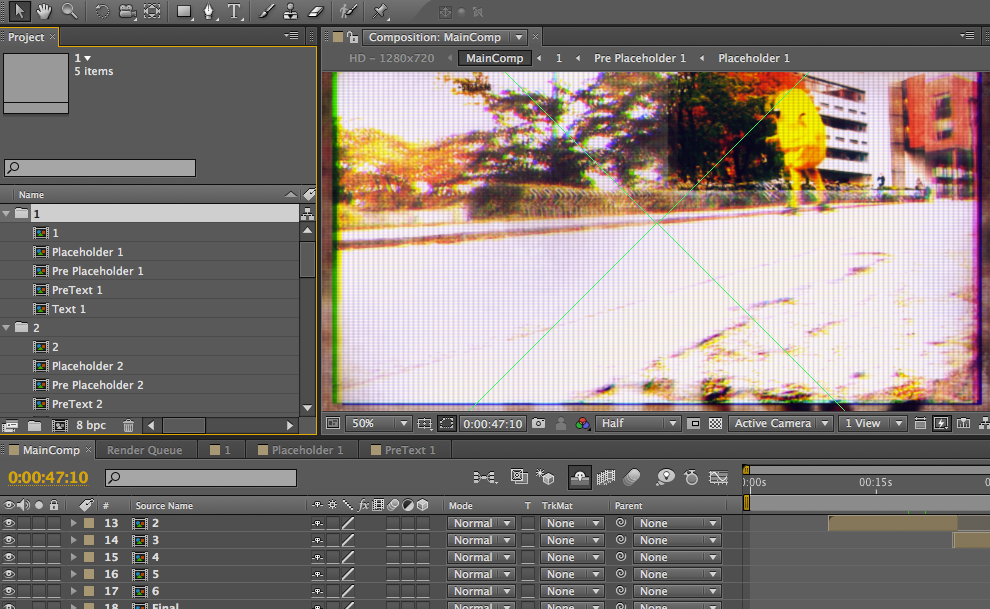
I just bought that item. I’m using CS4 and I got errors telling me that there is a problem with “point control” effect. What should I try?
Hi, thank you very much for your purchase. Could you please post a screenshot of the problem, that would be better in order to solve your issue faster. Thanks!
yes
hmmmmm, really I have no clue. Do you use any plugins?
hi, are you using original version of after effects?
Hi! Just bought this, great project. One Q tho: i get a green X on top. Project descriptions says no plugins needed. I have a standard version of AE cs5. Whats up with that? (yes i am a newbie).
Cheers
Can you post an image/ screenshot?
Just an awesome template. Used for fast action training sequence with a few changes and worked perfectly. Many compliments. Also a good learning experience for me re: guide layers, point control, manipulating additional images. A+, EFEKT .
Thank you so much! Honestly, it’s so rare to see this kind of compliment from a customer! Again, thank you!
Hello EFEKT _Studio, you open the project fonts that are missing are “Bebas (regular), Commodore 64 (regular) and Swiss721BT (Roman)”. Where can I download them? Can you help me?
sure:
bebas: http://www.dafont.com/bebas.font commodore 64: http://www.dafont.com/commodore-64.font?text=commodore And swiss721BT: http://www.ufonts.com/fonts/swiss-721-bt.html
I just bought this project, very nice! I recommend everyone to buy it! Congratulations to the author! Where can I download the fonts used in the project? thanks
Hi freccia74, thank you very much for your kind words! I’m very glad you find it useful. Font is Helvetica family typeface
Napredujemo!
Samo tako!
MS!!
Hvala!! :))
THE BEST TEMPLATE IVE EVER SEEN IM SO BUYING !!!! THIS TONIGHT !!!!!
Thank you very much!
superb Boss
Thank you very much
Hi, nice template!
I’m editing the text but I can’t view it, I see the highlight in red where the text is and if I type into it it appears in the maincomp but in the tool panel I’m unable to see it, move it and the background isn’t the white graph, just a grey background. Any ideas?
Thanks in advance!
Hi, thank you for purchasing. In the video tutorial everything is explained, but I can help you like this too. In the project panel navigate trough folders 1 to 6, and there you will find text compositions. Open the comp named “Text” and change it. You will have it then in main comp. Hope this helps.
Great Style ! Good Job!
Thumb up.
Thnx Jack
Hi there!
Iam brand new with this site. Can you explain what you do mean with: ‘Footage used in preview not included (can be found on VideoHive.net)’
What is included and what is not?
Thanks! Martijn
Hi there! It means the footage you see (video), is not included in the project file. If you like the footage which is used, I can give you the links for it. Regards.
Very cool, thanks for utilizing my footage Odlicno!
Hvala
This is awesome! One of the best I’v seen on here for a good while now, good work!
Thank you very much!!
Cool done!
thanks!
really nice work !
thanks!

This item was featured on VideoHive

Elite Author
Contact the Envato Market Help Team